HORIGIN STUDIO · DOCUMENTATION
Horigin Studio User Guide
Learn how to explore data, create notebooks, build visual pipelines, orchestrate workflows, and develop analytics in Horigin Studio.
Get started
Choose a guide below to explore a product capability. Each guide covers what you can do, how to begin, and availability considerations.
Illustrative process — not a live workspace or user dataset.
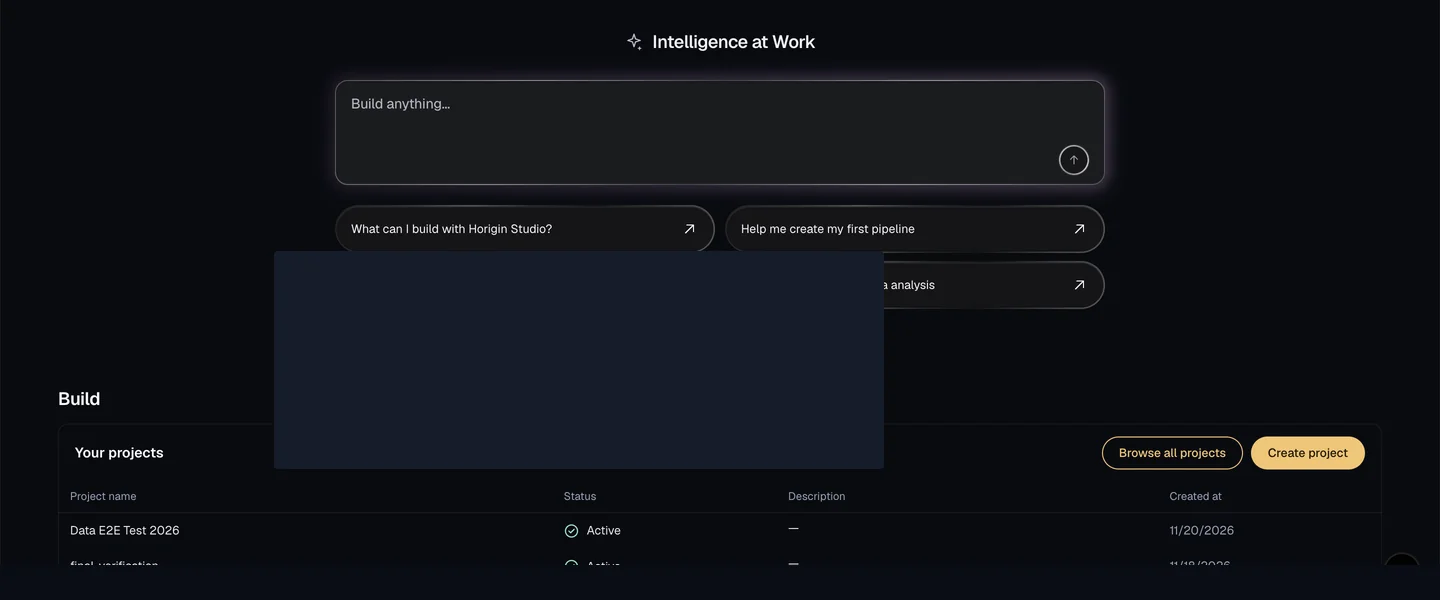
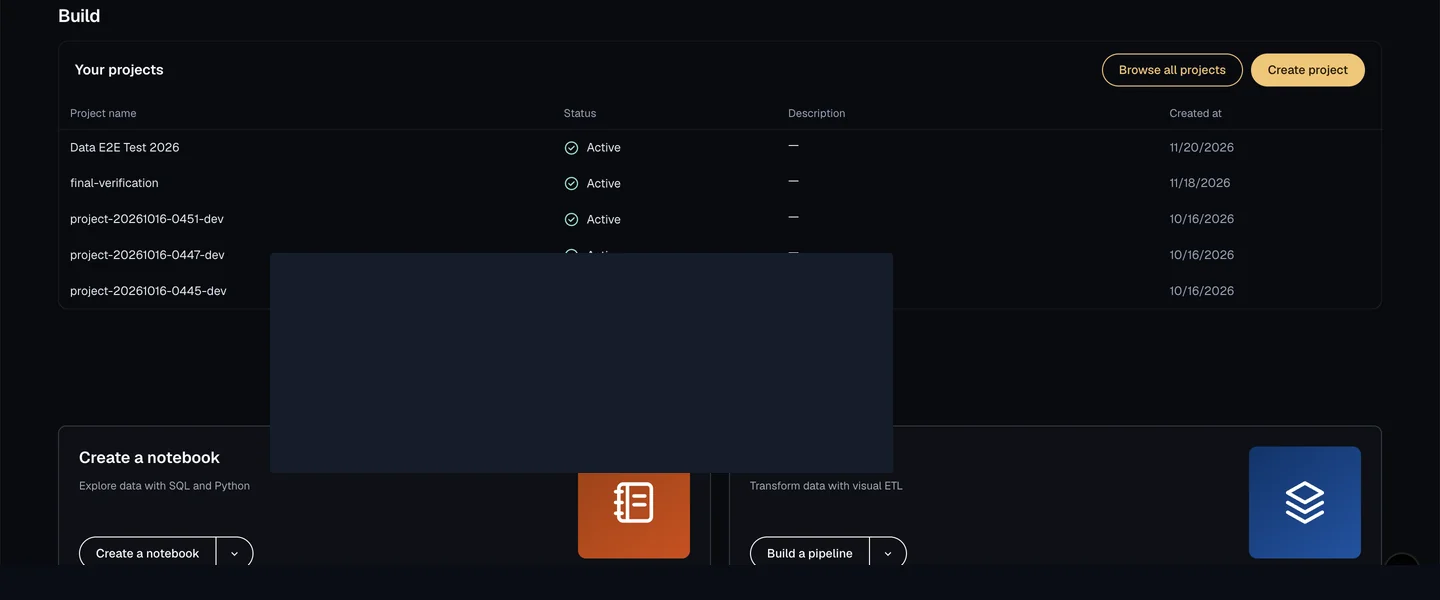
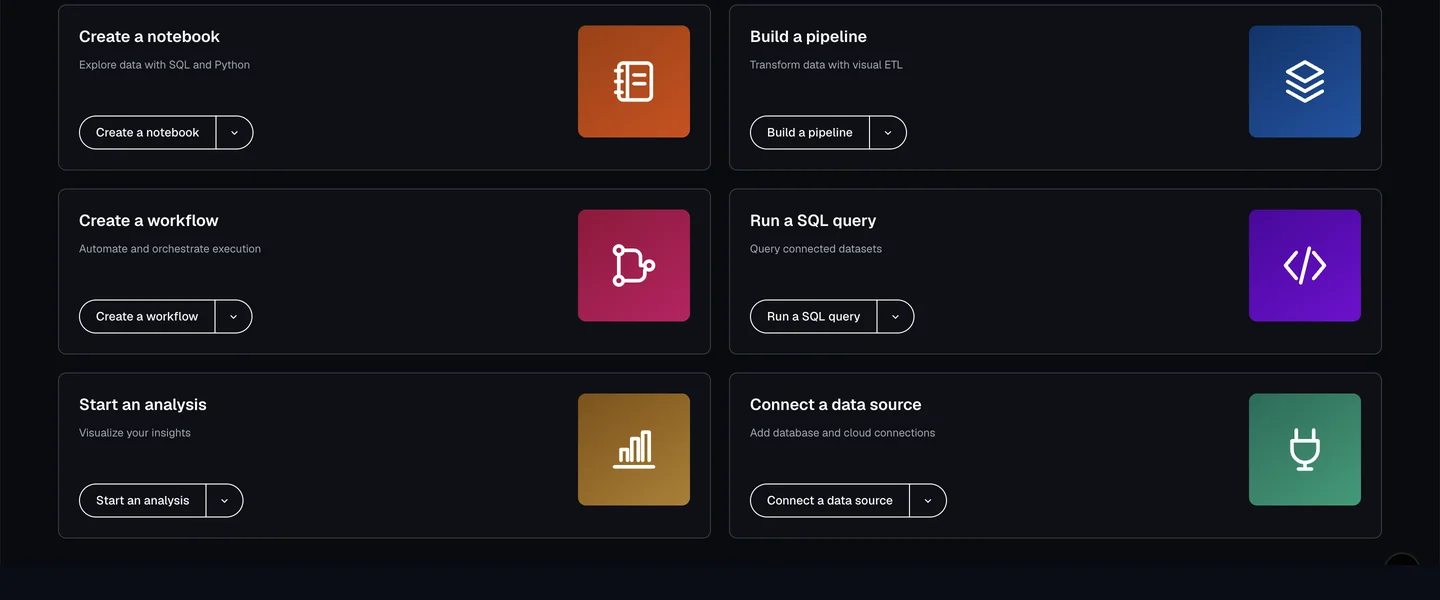
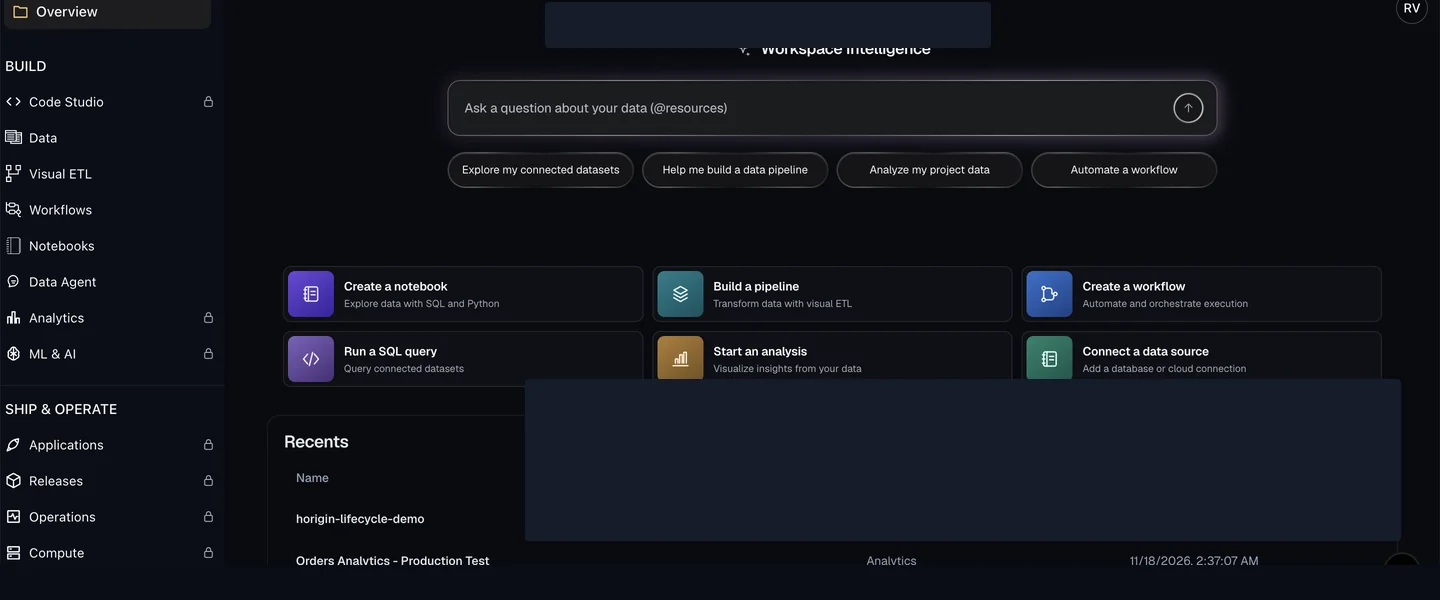
Studio home
Explore the project landing experience. These interface previews have been selectively redacted for privacy.

Explore the product
Selected interface previews of real Horigin Studio screens, selectively redacted to protect project information and data.
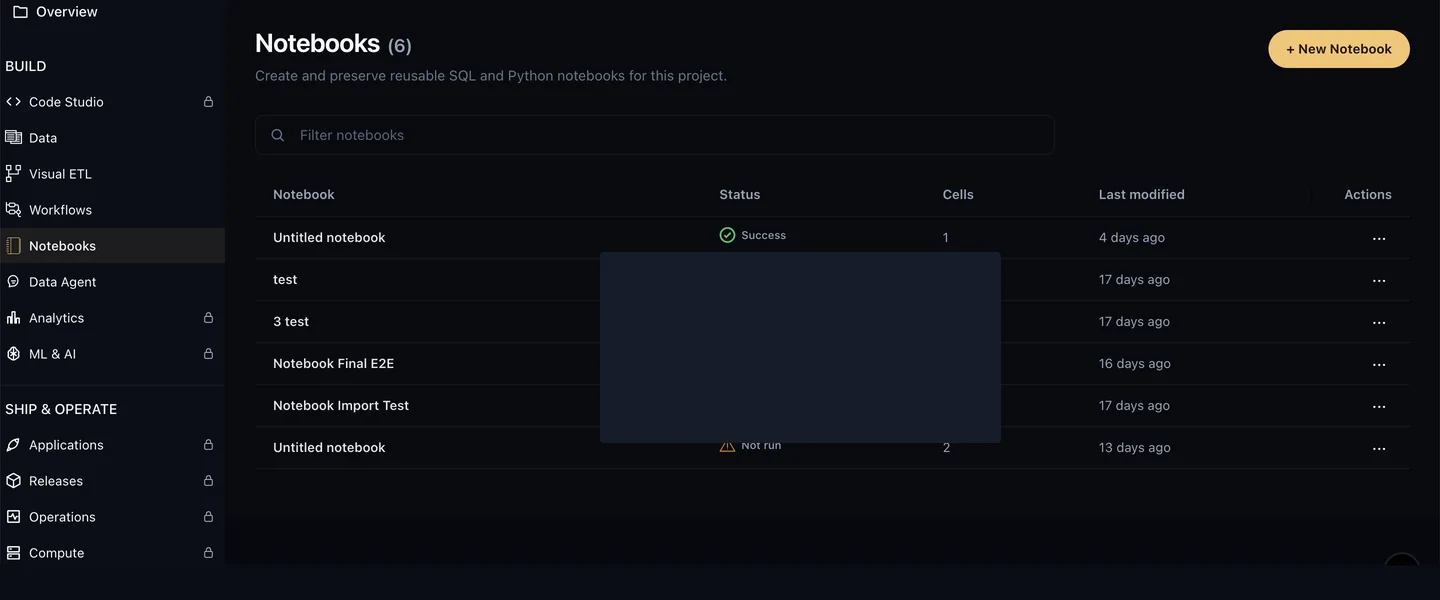
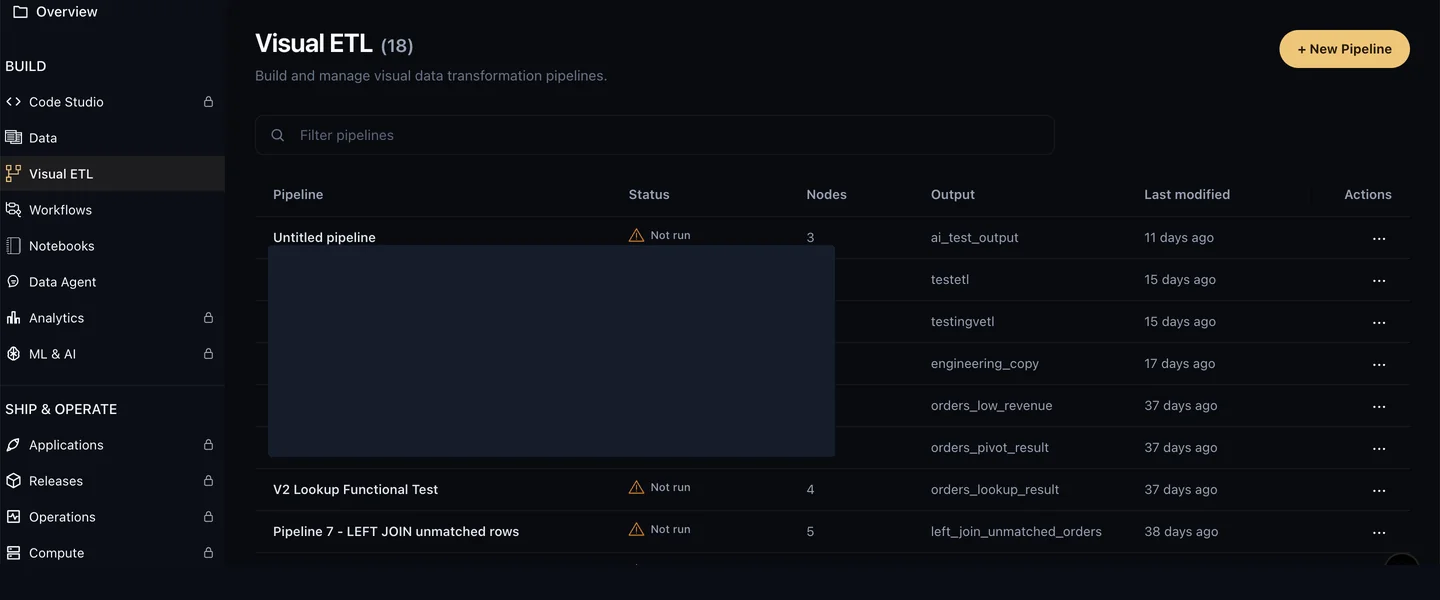
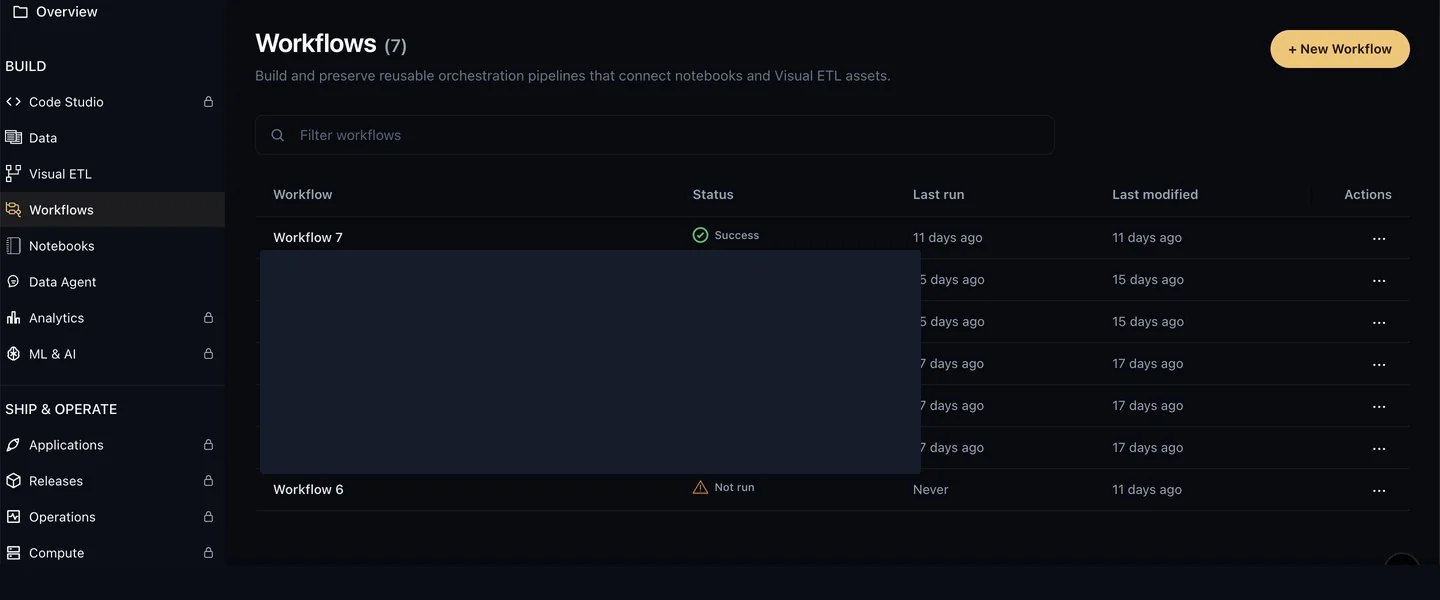
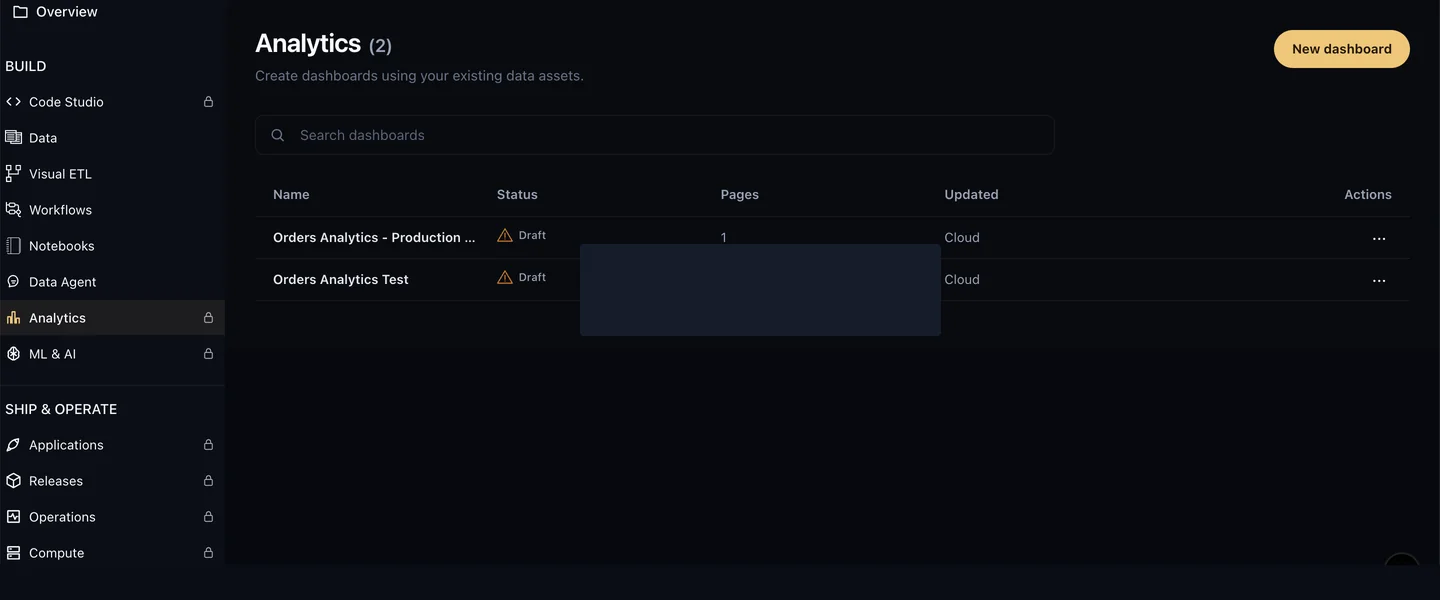
Explore documentation
Data workspace
Explore datasets and review information before using it in analysis or pipelines.
View documentation →Supported capabilitiesData connections
Bring supported files and connected data sources into project workflows.
View documentation →AvailableSQL & Python notebooks
Write SQL and Python, run cells, review results and get integrated AI assistance.
View documentation →AvailableVisual ETL
Design connected data transformations and inspect pipeline results.
View documentation →AvailableWorkflows
Connect data and analysis tasks, run them and review their execution history.
View documentation →AvailableAnalytics & dashboards
Create dashboards, configure visualizations and explore project data.
View documentation →AvailableGovernance & access
Manage project participation, access and available privacy controls.
View documentation →In developmentAI assistance
Integrated AI is available in selected modules; a broader assistant is still being developed.
View documentation →In developmentCode Studio
A project-centered environment for editing and organizing code is under development.
View documentation →In developmentData catalog & quality
Expanded metadata, quality and lineage capabilities are in development.
View documentation →About this documentation
Capabilities and availability depend on the workspace and configuration. Public examples use only synthetic or permanently redacted information.